
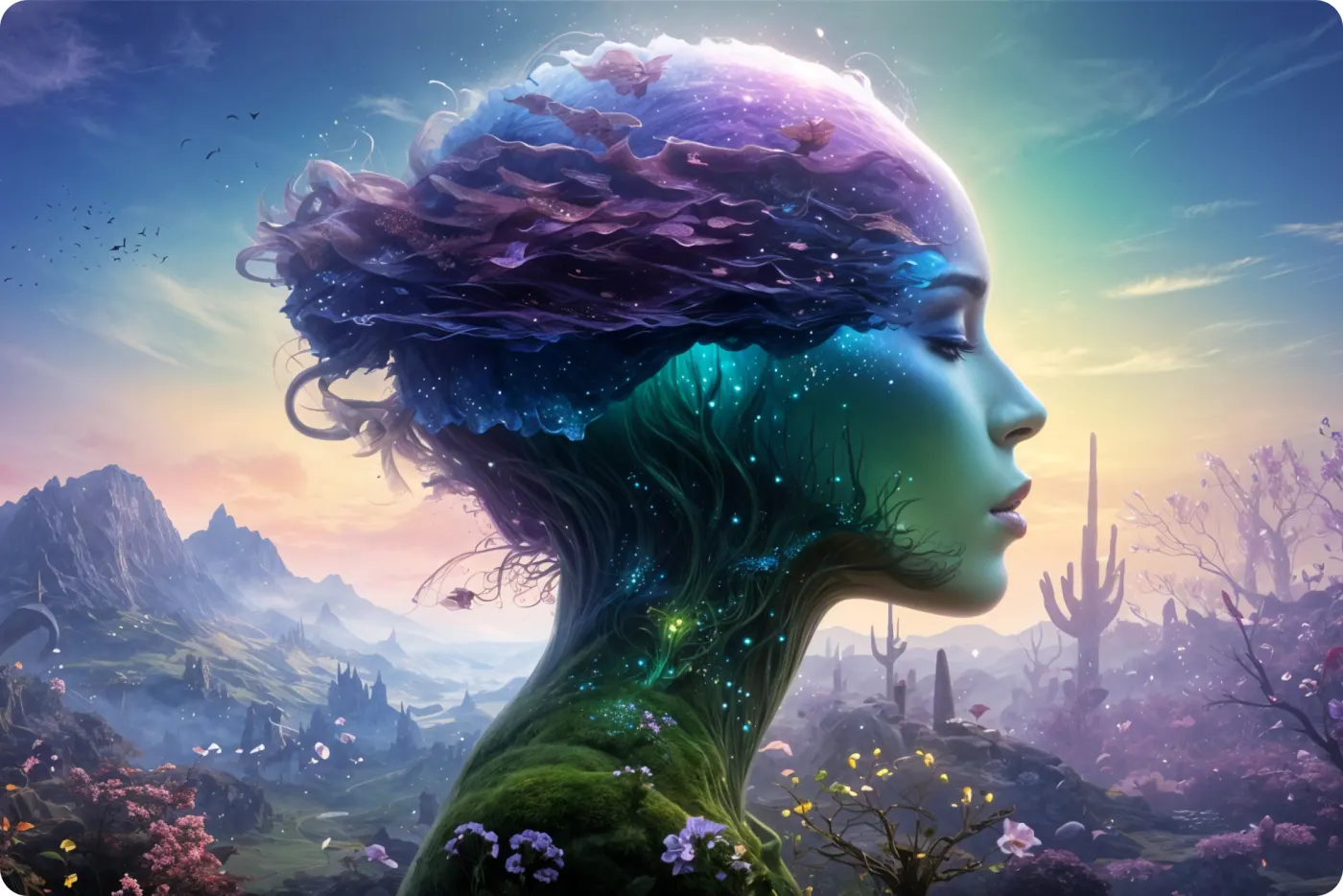
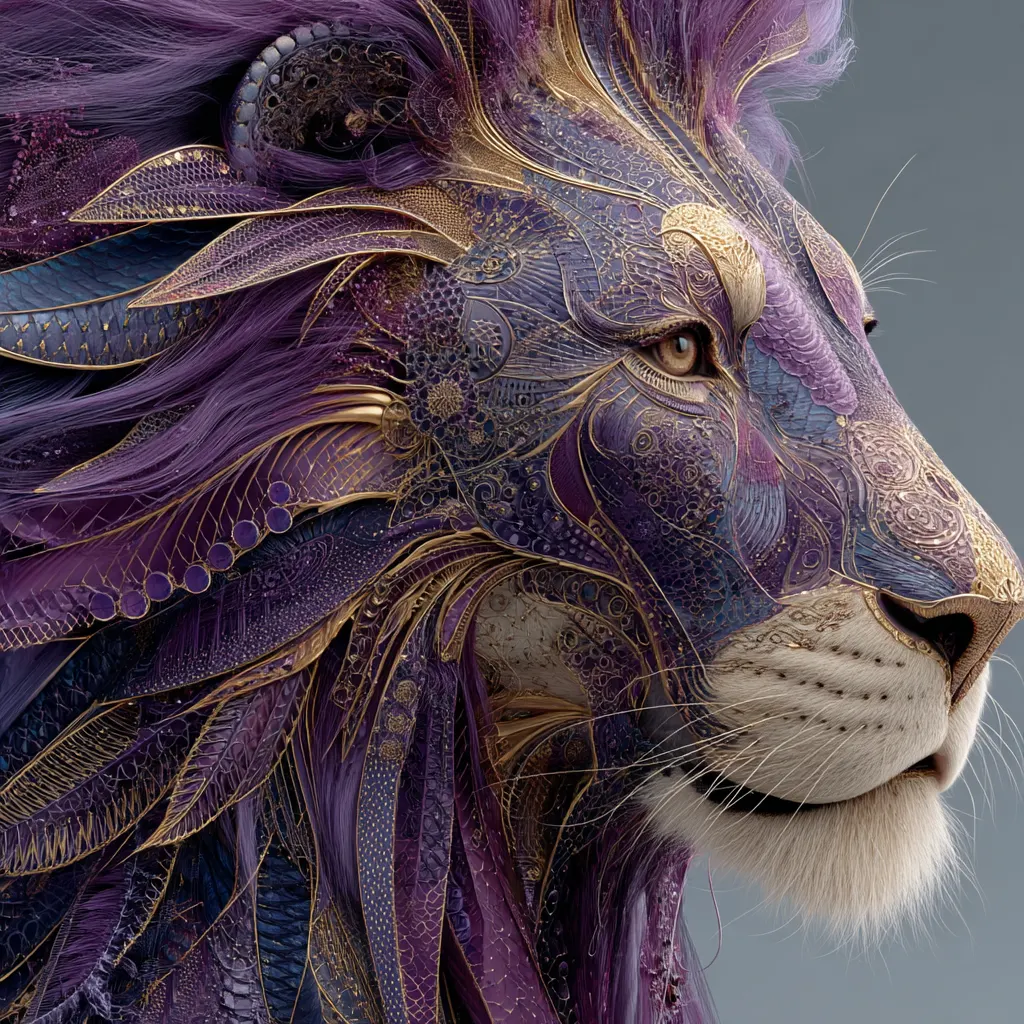
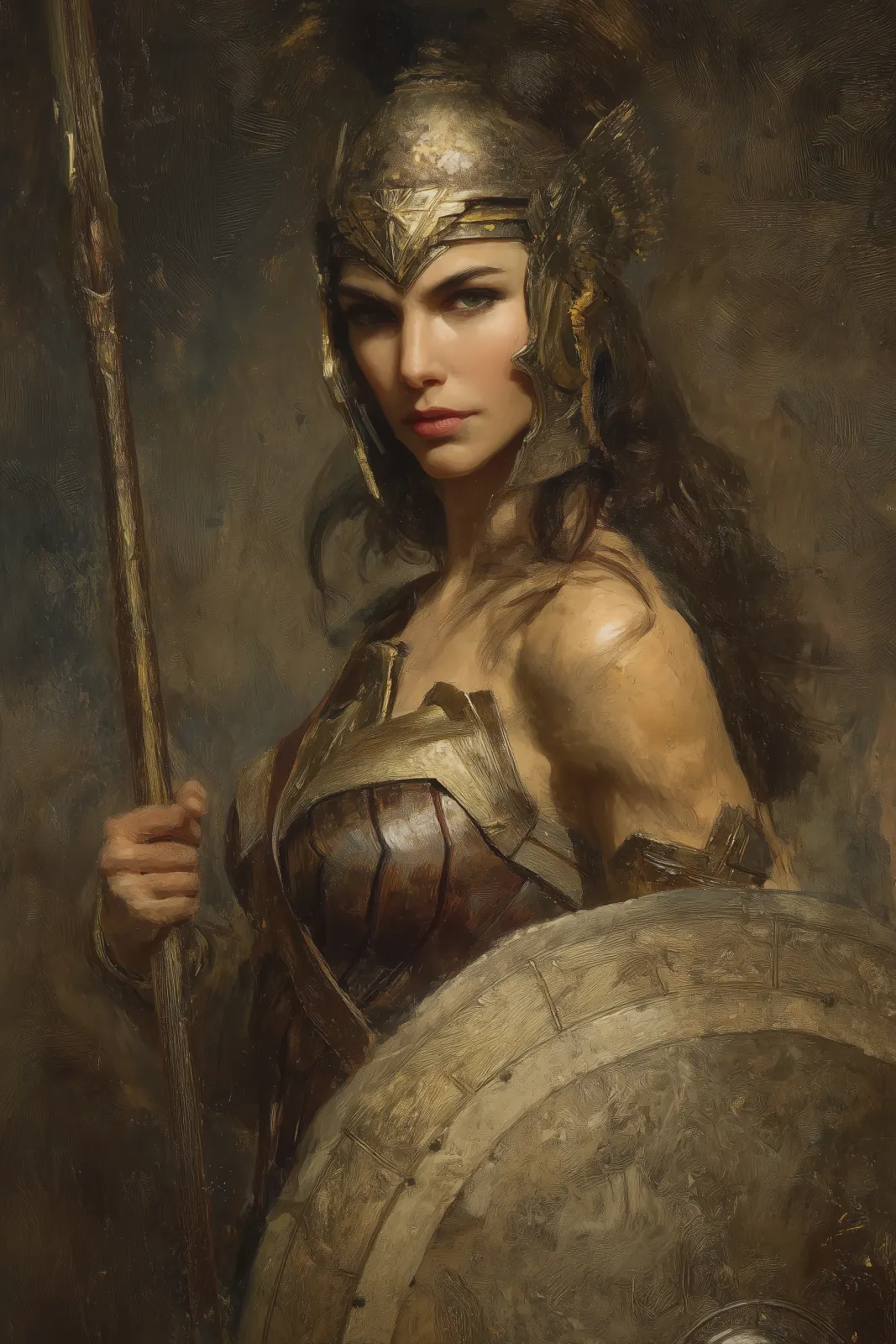
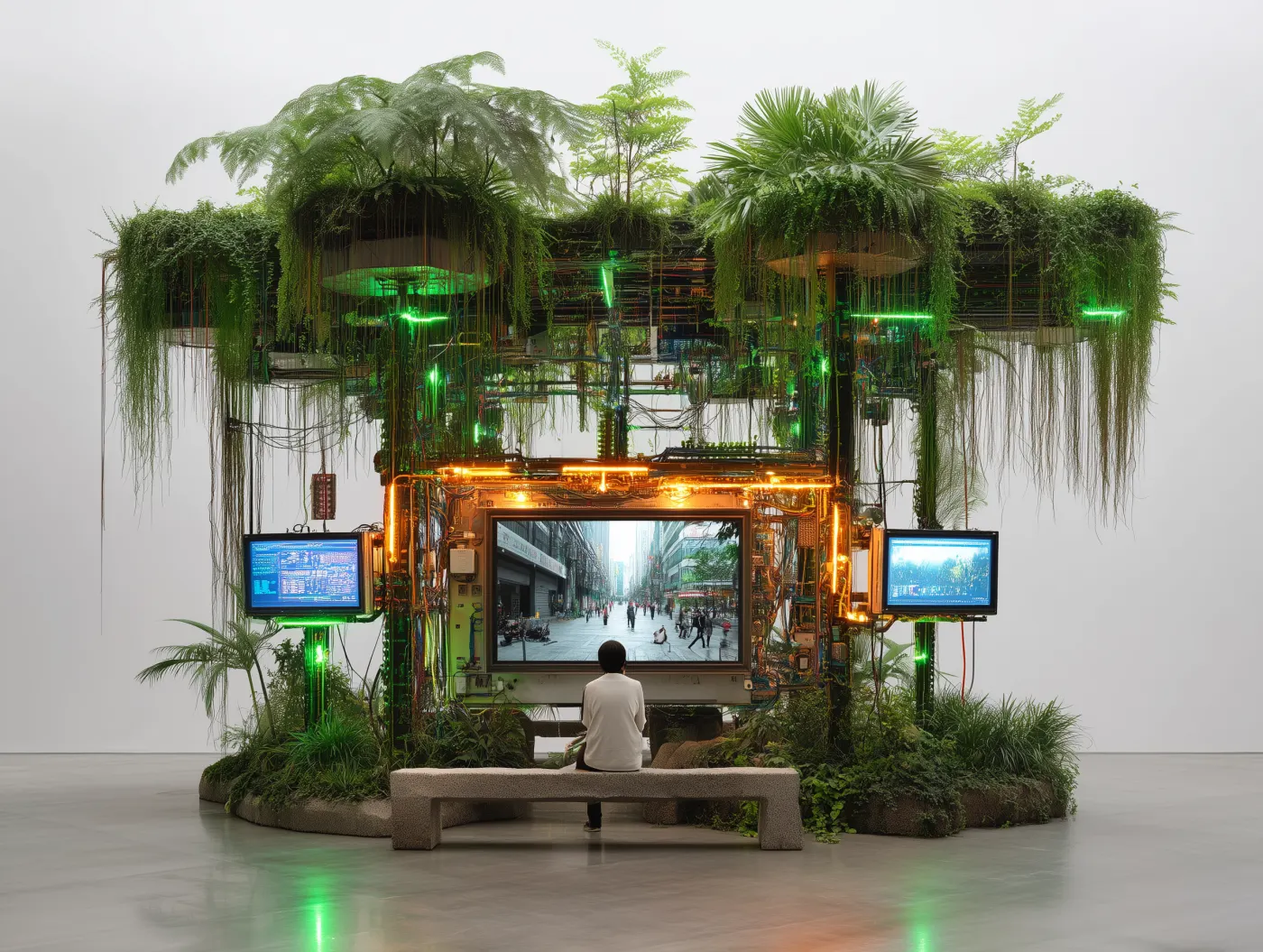
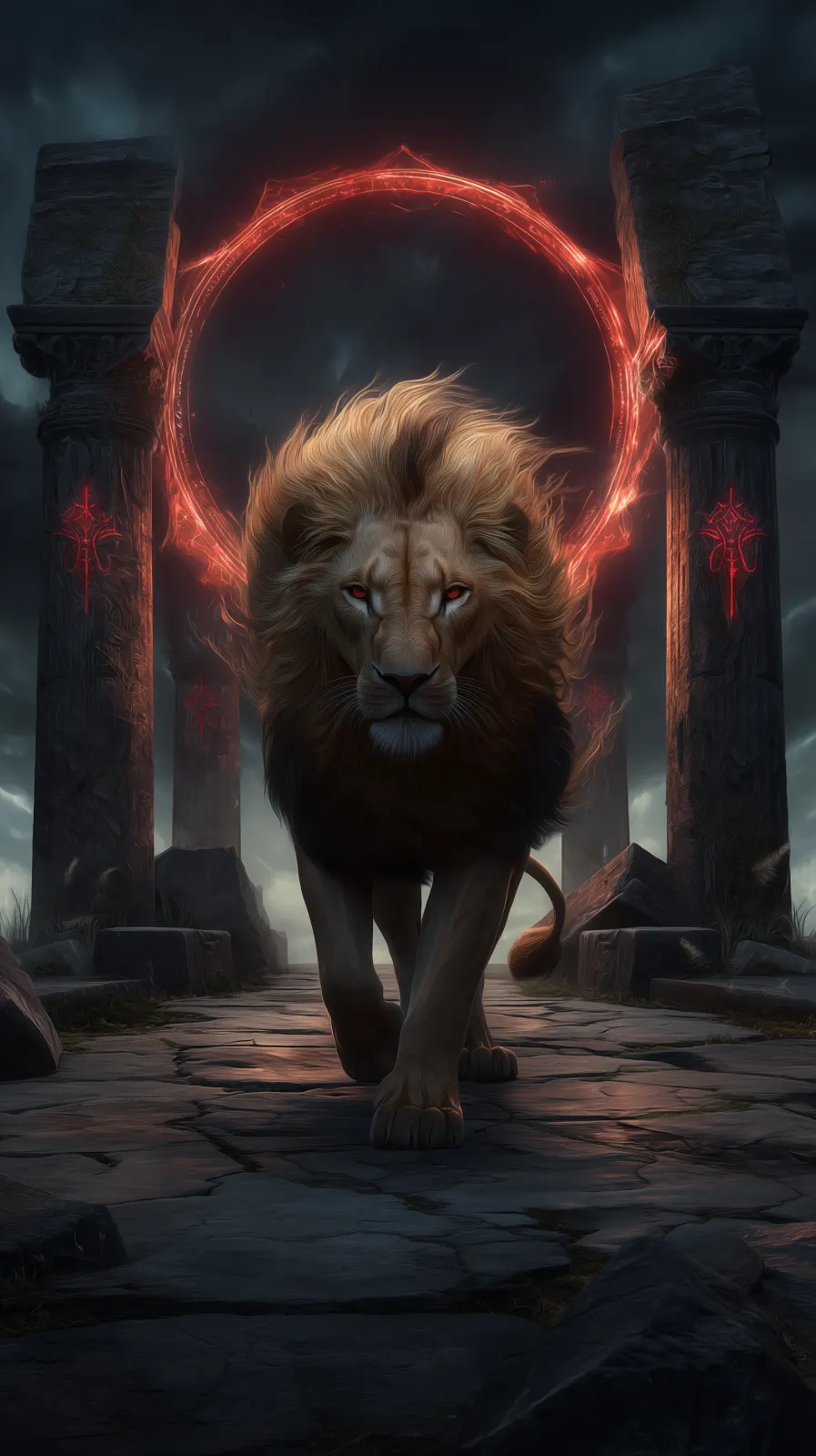
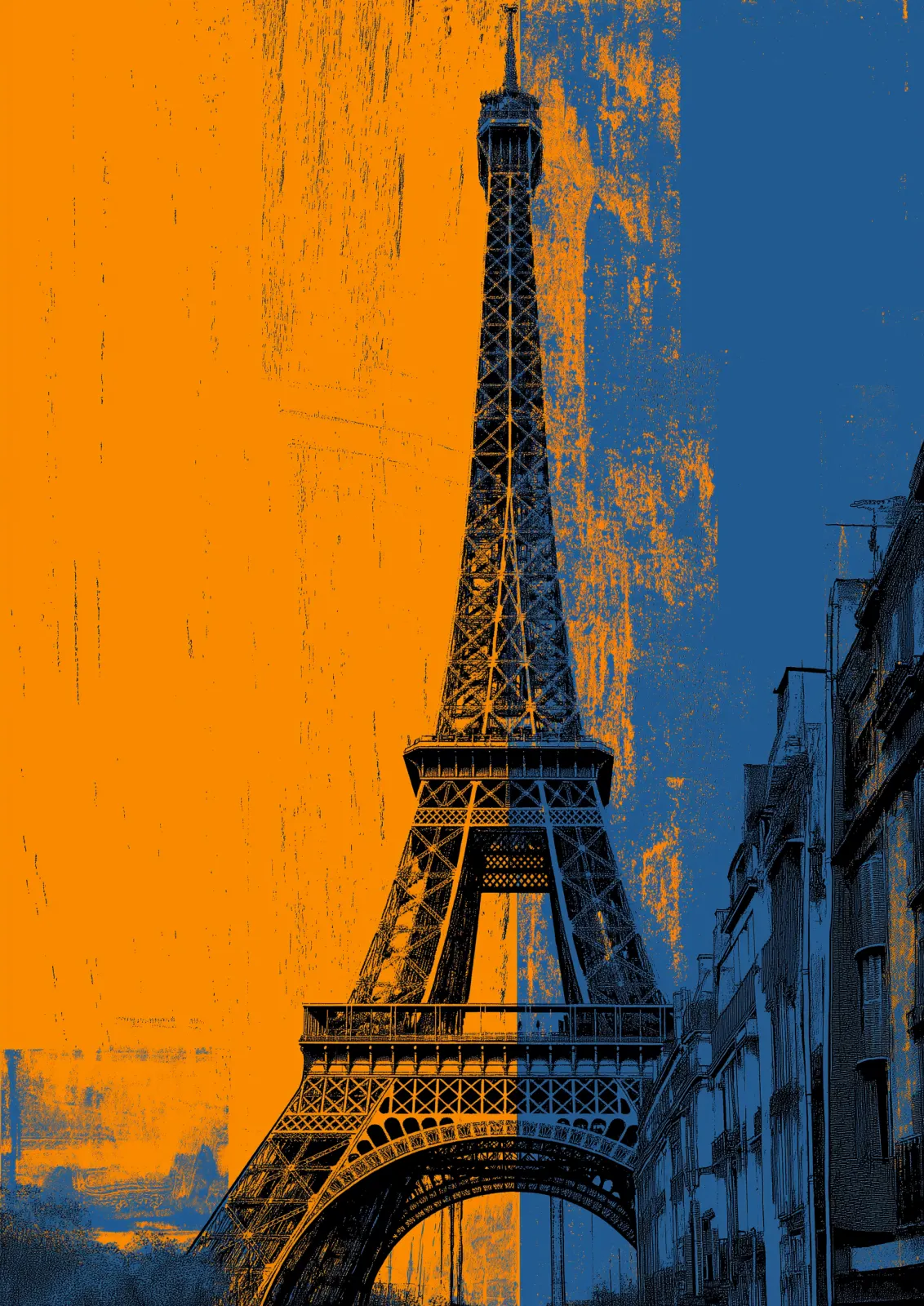
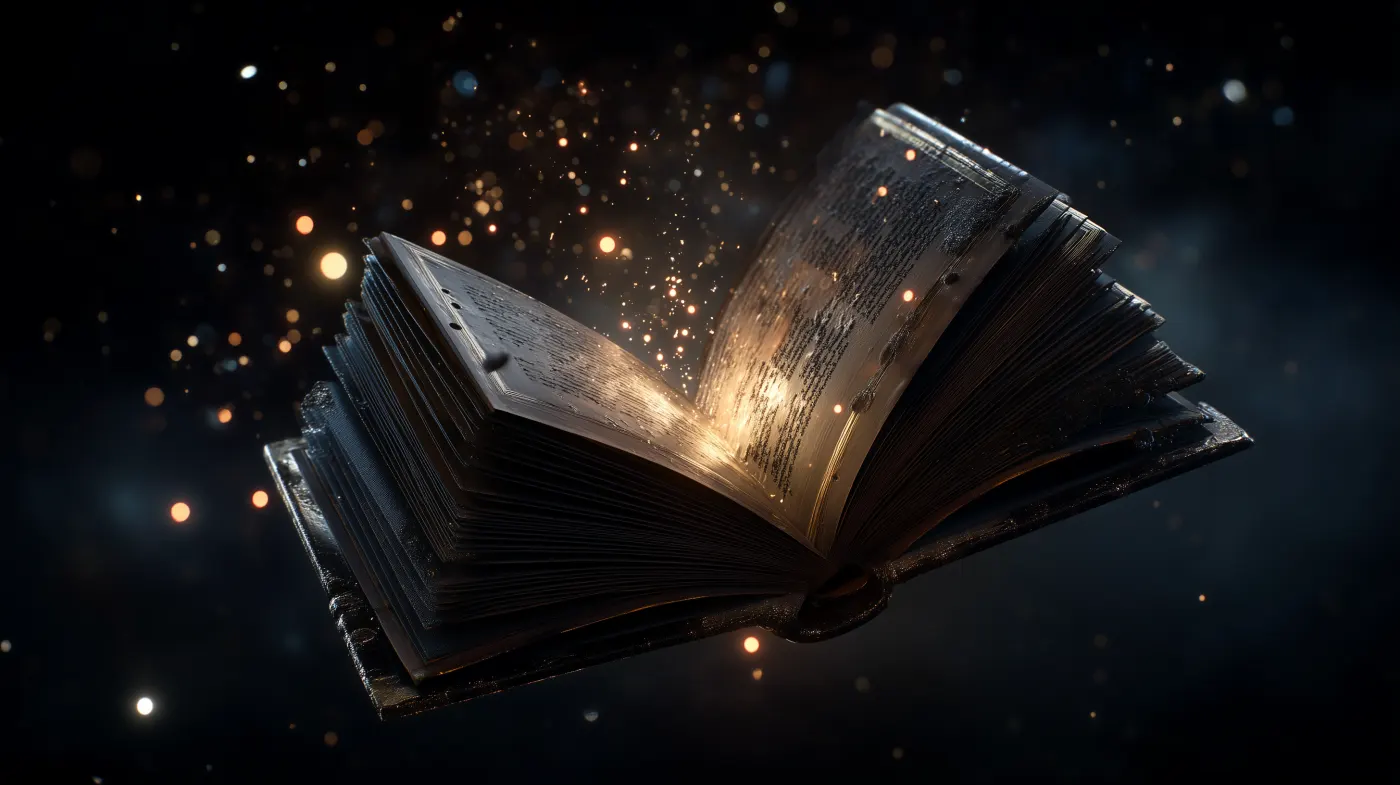
Whisk AI is a creative workspace for developing visual ideas. Its AI image generation tools bring prompts, optional reference images, model choices, output settings, and an image library into one place so you can move from an initial idea to several usable visual directions.
Whisk AI: Create and Remix AI Images
Create AI images from text prompts, remix a reference image, and generate variations in one focused workspace. Whisk AI helps you explore, refine, and keep the directions that matter.
How to use Whisk AI Image Generator
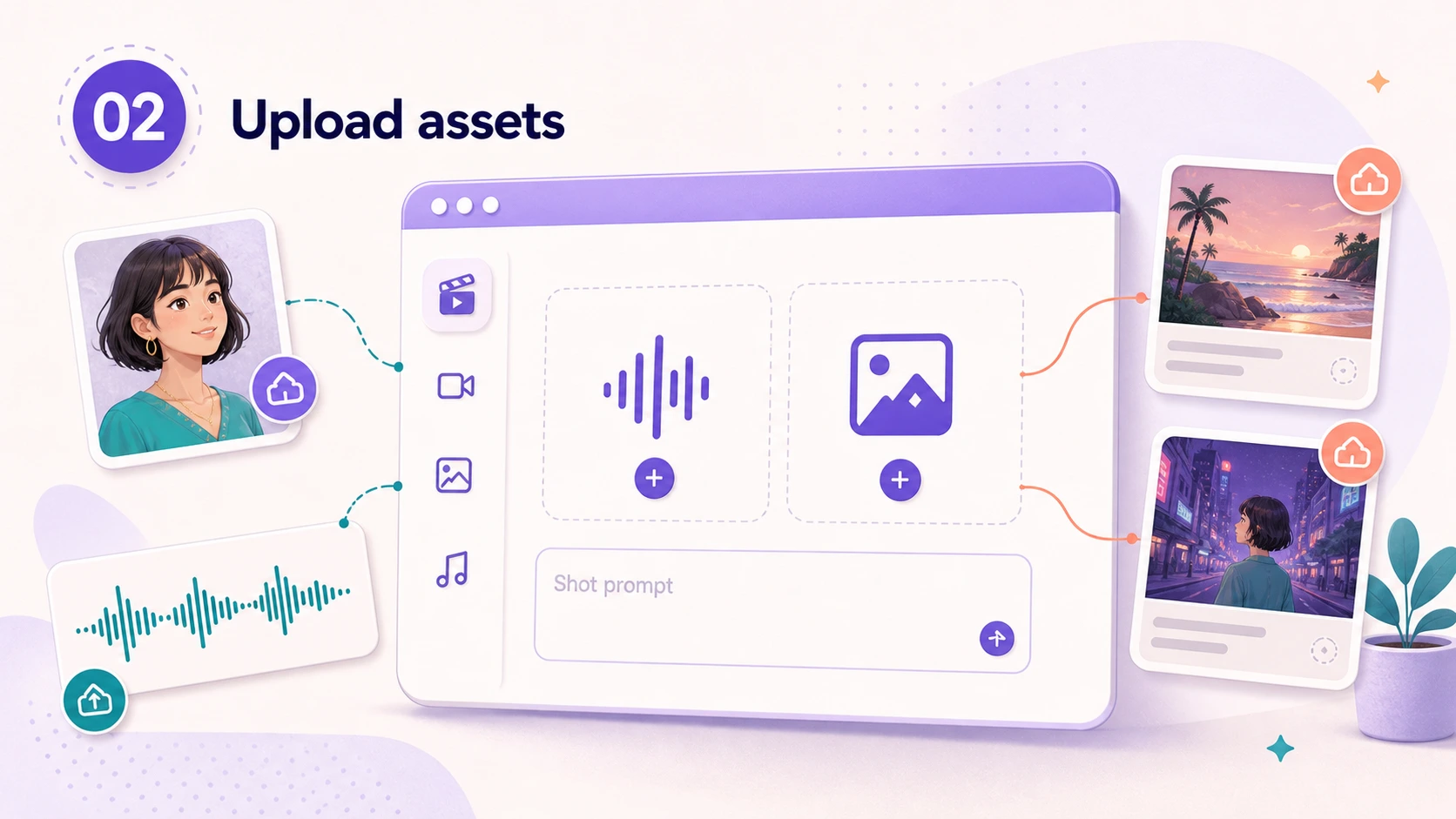
Move from a visual idea to a usable image in three deliberate steps:
Whisk AI Image Generator features
Create AI images from text, remix a reference image, and generate new variations without leaving the same focused workspace.
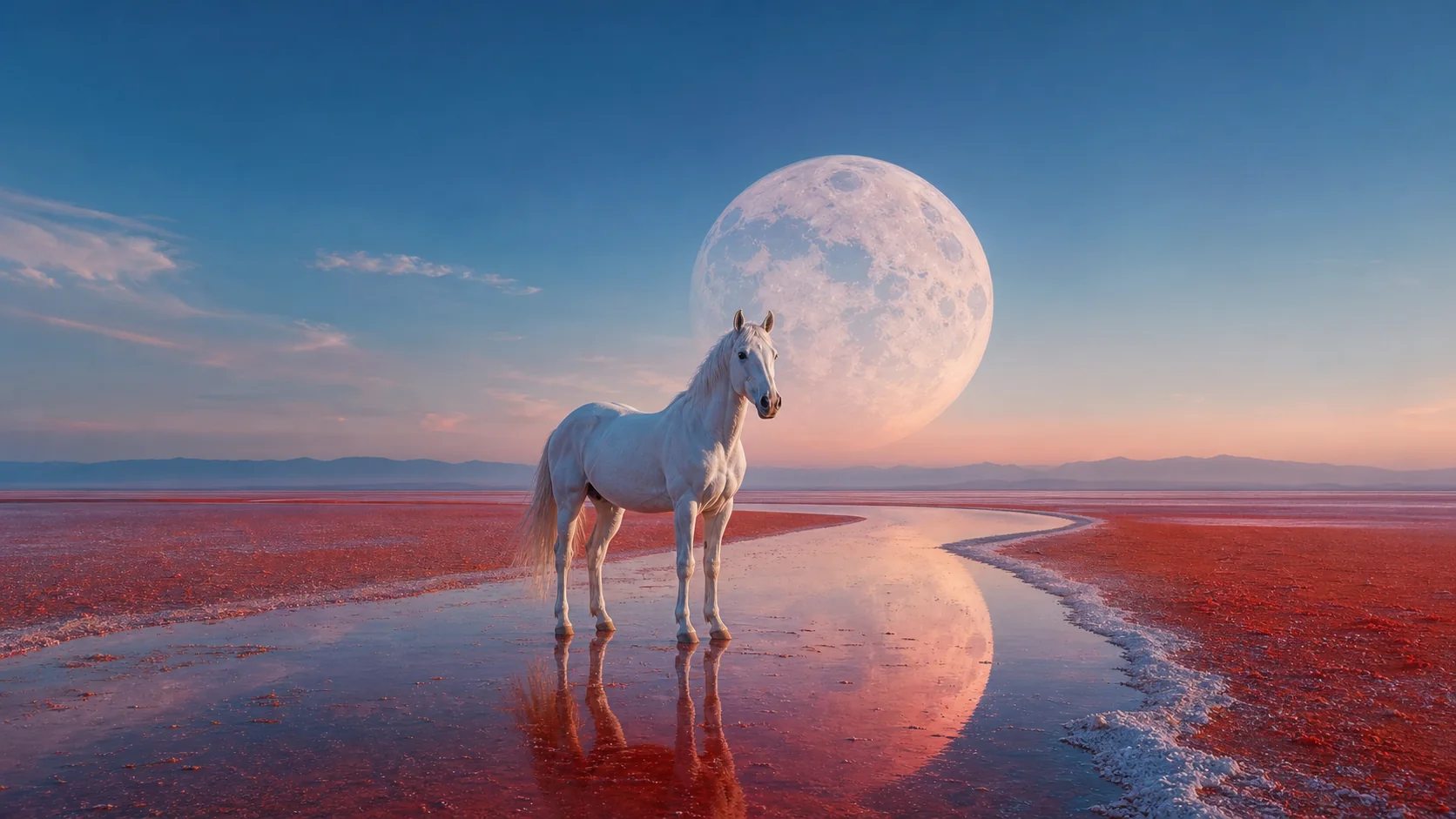
Text-to-image creation
Describe a subject, setting, action, or mood in plain language. Whisk AI turns the brief into a starting image you can develop rather than a dead end.
Start creating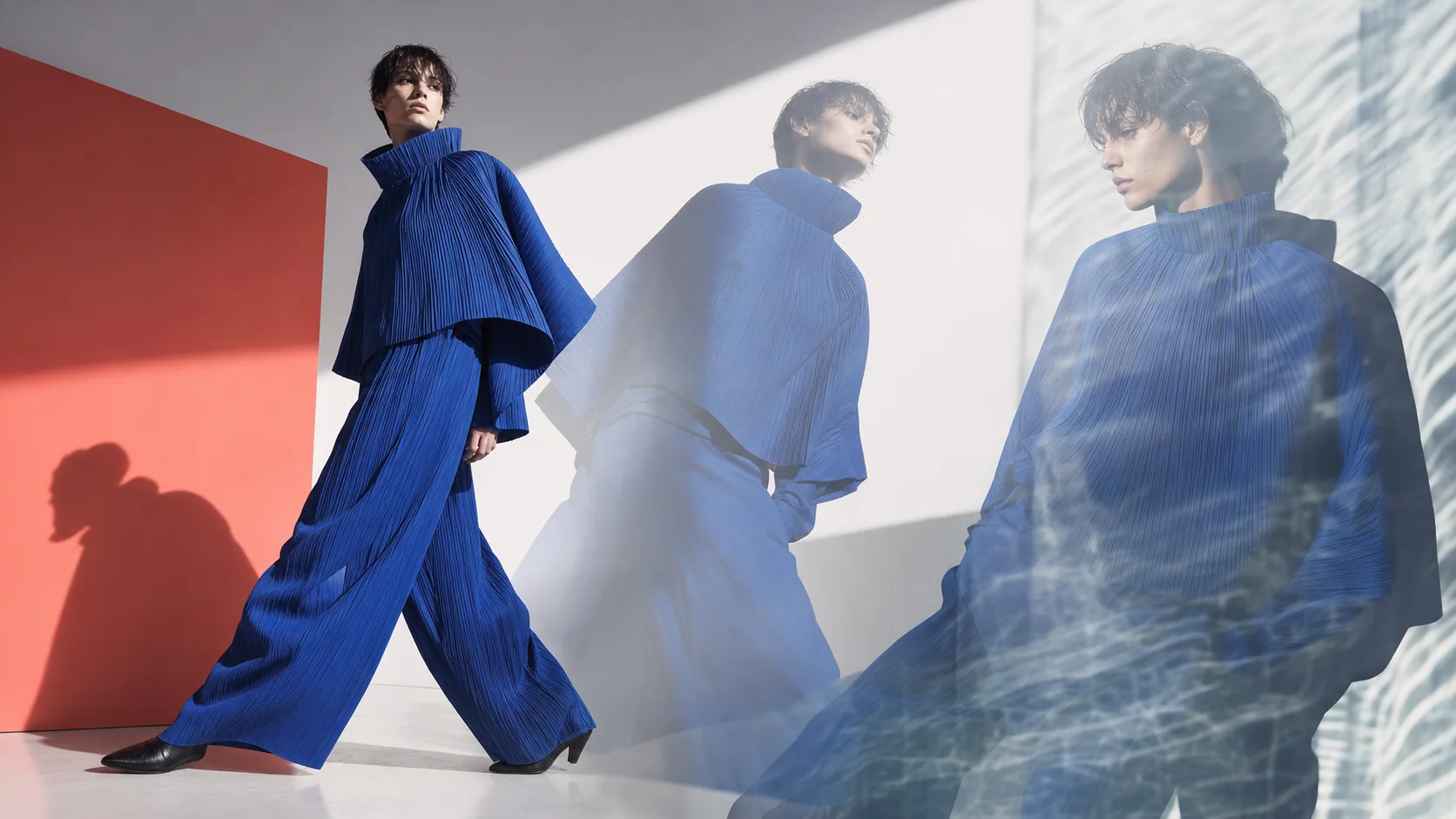
Fast visual exploration
Generate several creative takes from the same concept, compare framing and visual tone, then continue with the result that deserves a second pass.
Make variations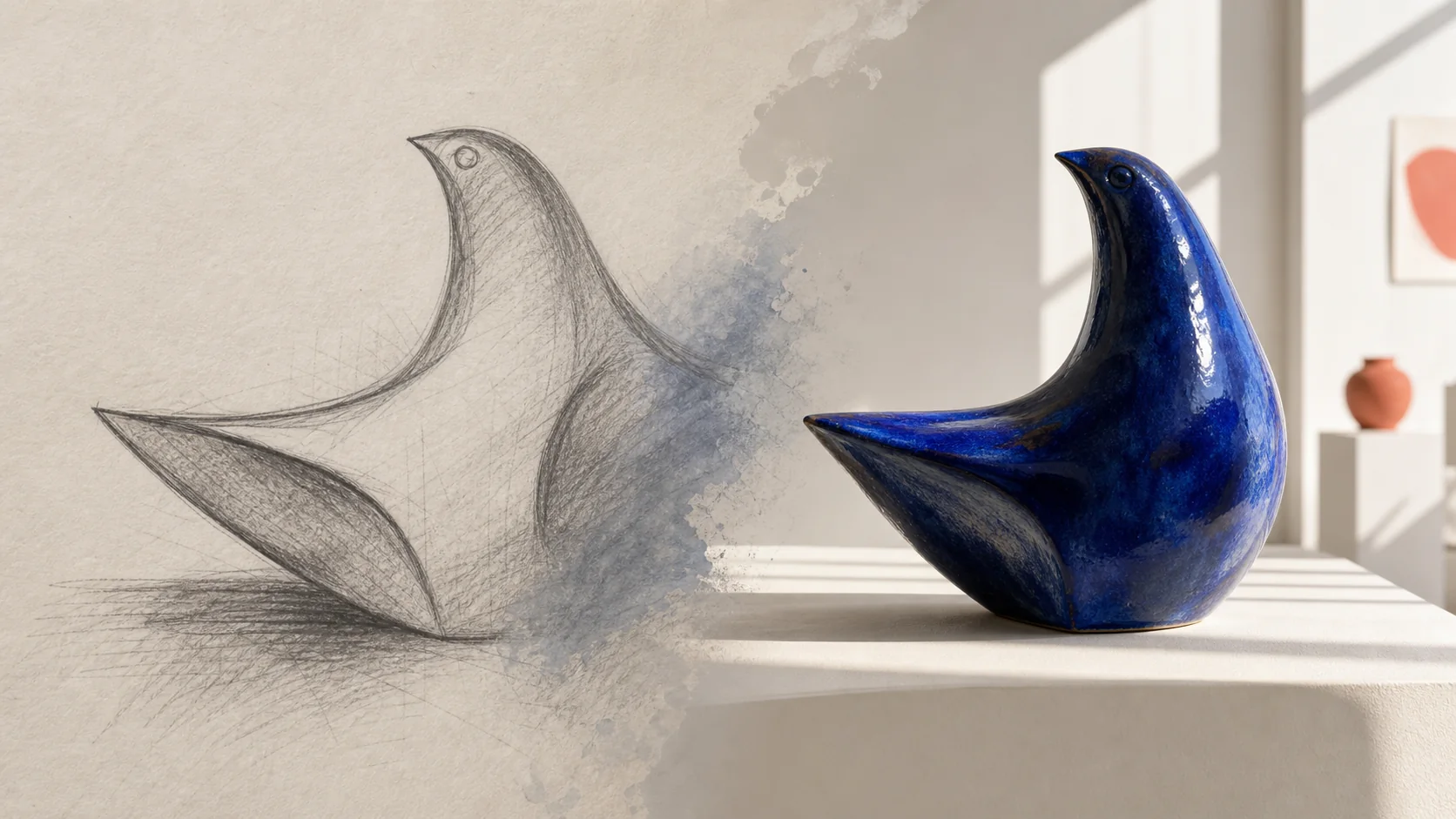
Image-to-image remix
Bring a photo, sketch, product shot, or existing composition into the workspace when an image can communicate the direction faster than a long prompt.
Add a reference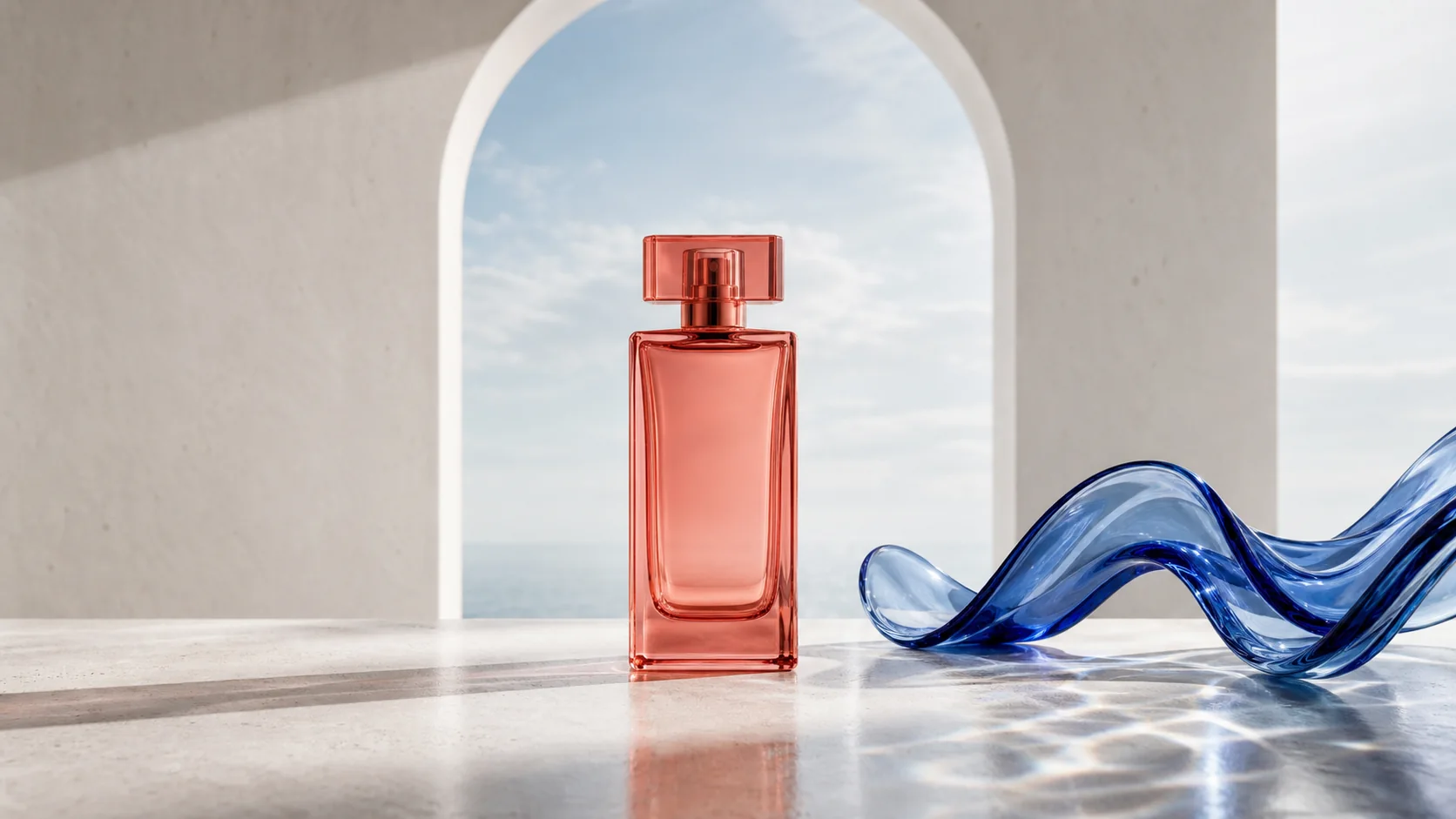
Composition-ready output
Set the aspect ratio before generation for portraits, product scenes, social assets, editorial layouts, or wide concept art that starts in the format you need.
Choose a format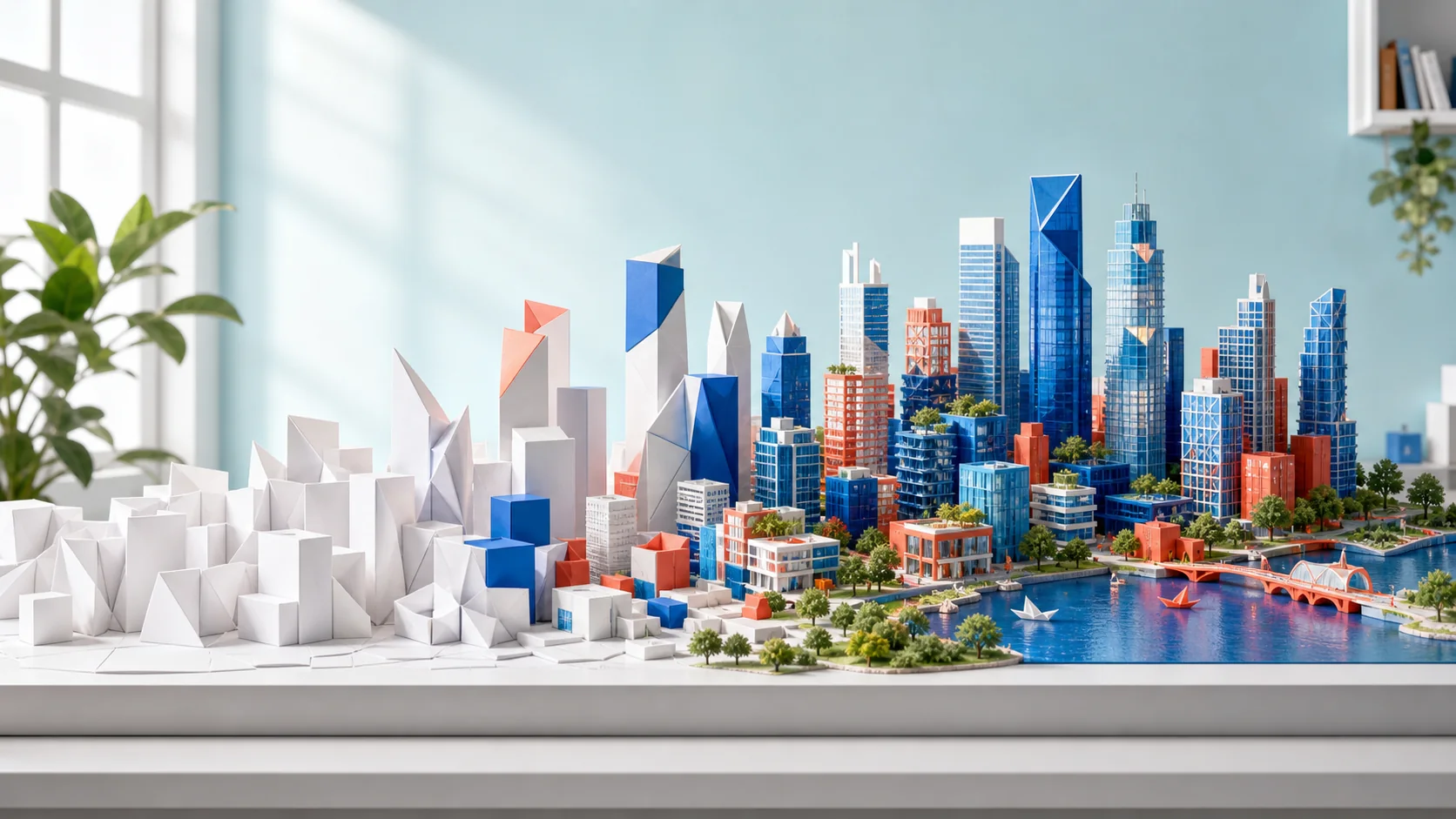
Iterate with intent
Use a generated image as the next brief. Clarify the prompt, change the visual reference, or choose a different format to push the result closer to your intent.
Refine an image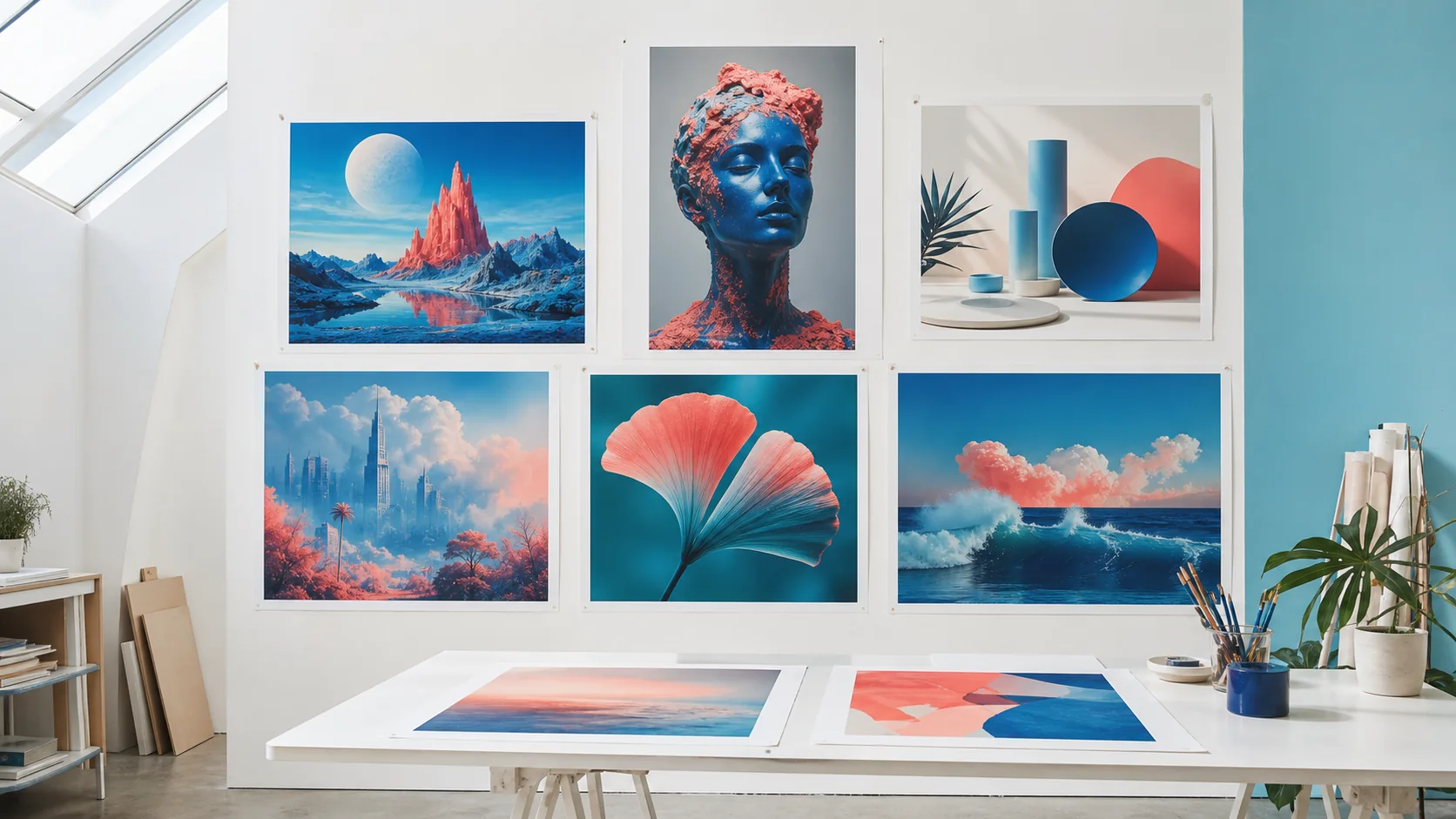
A connected image library
Your useful generations stay connected to the rest of your creative work, so you can revisit an image, share it, or use it as the starting point for another direction.
See your resultsWhat is Whisk AI Image Generator?
Whisk AI Image Generator turns a short prompt, a reference image, or both into fresh AI images you can refine, save, and reuse.
Direct the composition
Choose the model and aspect ratio before you generate, so a portrait, product scene, social post, or wide concept starts with the right visual frame.
Explore without friction
Generate variations, compare compositions side by side, and continue with the direction that feels right instead of trying to perfect the first output.
Keep the visual thread
Use a reference image to carry visual cues such as subject character, lighting, material, palette, or mood into the next generation without having to describe every detail.
Refine as you go
Use each result as a creative checkpoint: strengthen the prompt, switch the reference, adjust the format, and make the next variation more intentional.
Begin with an idea or image
Start with one sentence, one reference image, or both. Keep the useful ingredients in view while you explore several visual directions from the same brief.
Keep useful results close
Save the generations worth keeping in your library, return to them when the project moves forward, and share a result when it is ready for feedback.
Who uses Whisk AI Image Generator?
Explore more than one image idea
Whisk AI Image Generator turns a loose direction into an image workflow you can keep moving forward.
Flexible
Output formatsPrompt + image
Creative inputOptional
Reference imagesIterative
WorkflowStart broad, generate a few directions, and develop the one that feels most promising.
- Creative exploration
Whisk AI FAQ
Whisk AI is built around visual exploration rather than a one-shot generation form. Its AI image generator combines text prompts with optional reference images, so you can make a first version, compare variations, and use the strongest result to guide what comes next.
Whisk AI is useful for creators, designers, marketers, product teams, and anyone who needs to explore visual concepts quickly. Use it for campaign directions, product scenes, social assets, thumbnails, character studies, or early concept art before committing to a larger production.
A reference image guides the generation rather than acting as a pixel-level editor, so the output may reinterpret details such as composition, texture, or styling. For a closer result, use a clear reference, state the elements that matter in the prompt, and iterate with the strongest variation.
Yes. Whisk AI lets you use a reference image to communicate a subject, composition, palette, material, lighting, or overall mood alongside your text instruction. Pair it with a short prompt that explains what should change, stay important, or be reimagined in the new image.
Only upload images you have permission to use, especially when a reference contains a person, a recognizable product, or protected artwork. A reference guides a new generation; it should not be treated as a way to copy someone else's image without authorization.
Each generation uses credits based on the selected model and settings. The product shows the available balance and relevant cost context before you commit, while plans and credit packs give you a way to continue when you need more capacity.
Whisk AI image generation time varies by the selected model, output settings, and current demand. The workspace keeps the task status visible while a result is being prepared, so you can see whether an image is queued, processing, or ready to review.
Yes. Keep the generations that matter in your asset library, then open or share a finished result through the product's existing workflow. This makes it easier to return to a direction after feedback instead of losing the image in a one-off generation session.
Whisk AI output quality depends on the selected model, the clarity of your prompt, the quality of an uploaded reference, and the requested aspect ratio. A specific brief with a well-framed reference usually gives the generator more useful direction than a vague request.
Ready to make the next version?
Bring a prompt or a reference image. Whisk AI helps you turn it into a visual direction worth developing.
Create an imageWhisk AI Image Generator guides
Explore Whisk AI image guides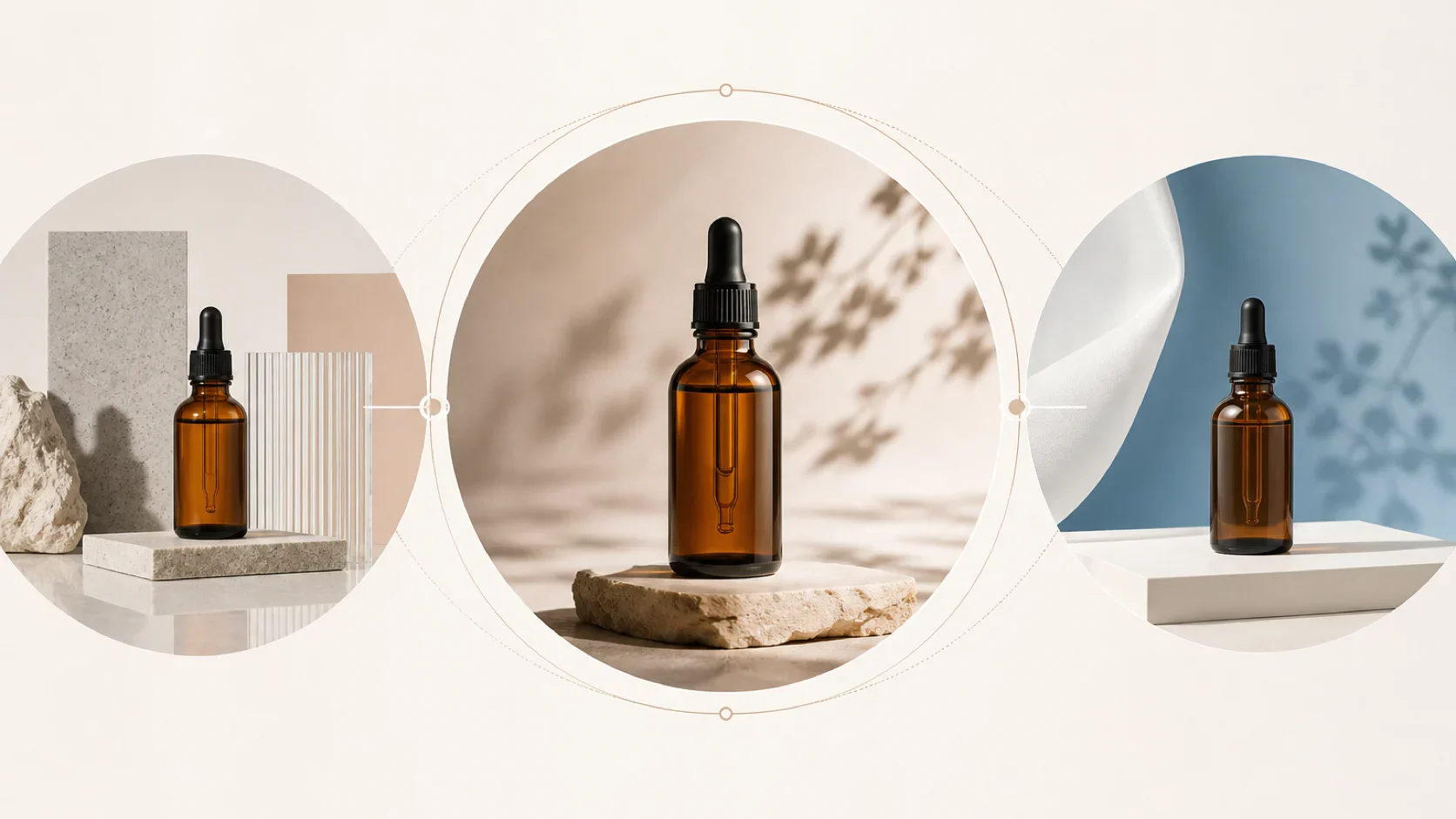 Whisk AI BlogFLUX.2 vs Seedream 5.0 vs GPT Image 2 for Photorealistic Product ScenesCompare FLUX.2, Seedream 5.0, and GPT Image 2 for photorealistic product scenes by product fidelity, reference control, output fit, revision cost, and Whisk AI availability.Whisk AI Editorial Team
 Whisk AI BlogWhisk AI vs Leonardo AI vs OpenArt for Consistent Character ConceptsCompare Whisk AI, Leonardo AI, and OpenArt for consistent character concepts by identity control, reference handling, scene expansion, output fit, and revision cost.Whisk AI Editorial Team
 Whisk AI BlogIdeogram 4.0 vs GPT Image 2 vs Whisk AI for Text-in-Image Campaign GraphicsCompare Ideogram 4.0, GPT Image 2, and Whisk AI for text-in-image campaign graphics by type fidelity, layout control, reference handling, output fit, and revision cost.Whisk AI Editorial Team